
Buying guide
USB-C Charging Explained: Watts, PD and GaN in Plain English
9 min read · Updated October 2026
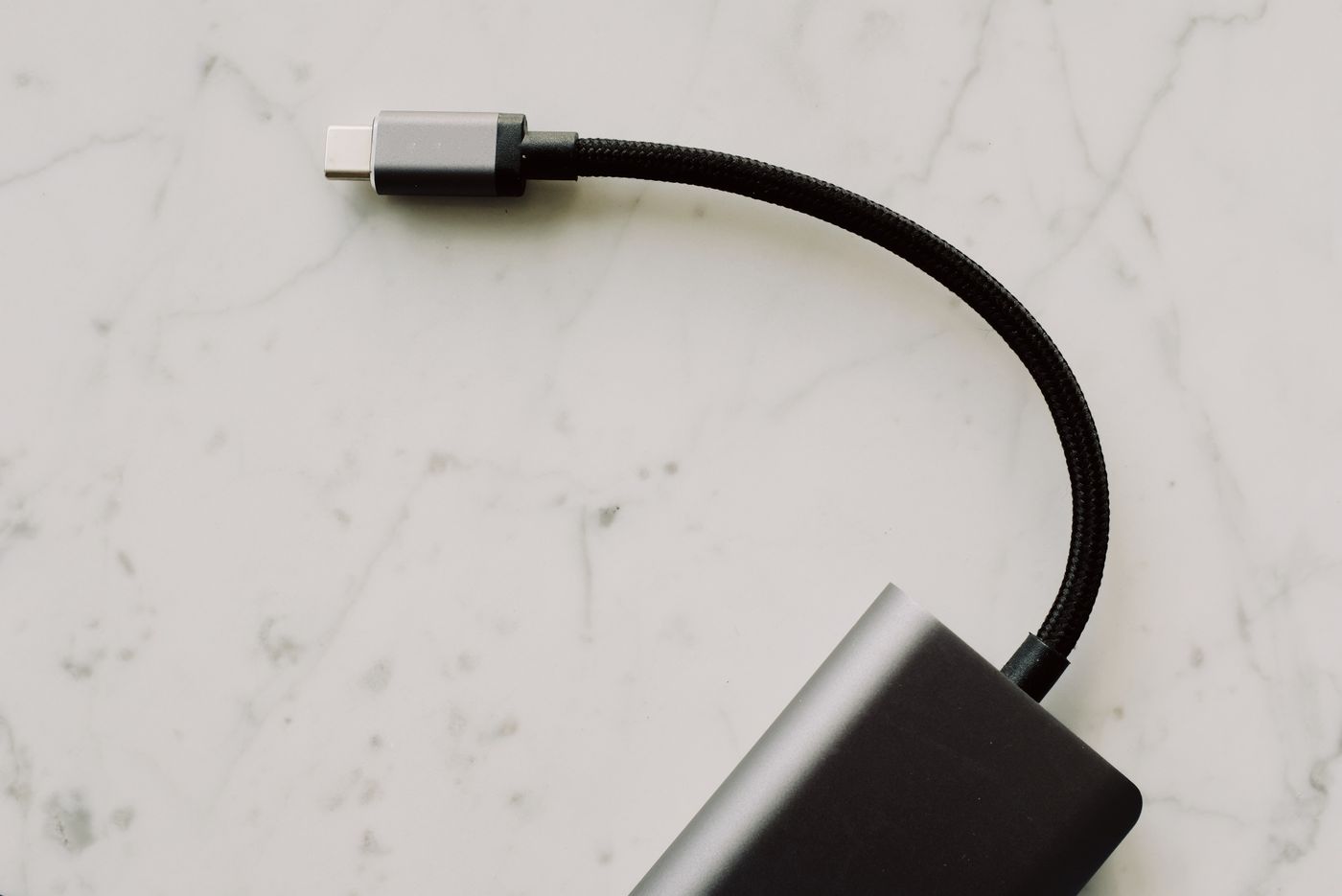
USB-C was supposed to make charging simple: one plug for everything. It mostly has, but it also brought a new set of numbers and acronyms printed on every box. 20W, 65W, PD 3.0, PPS, GaN, 5A, e-marker. This guide explains what each one means and, more usefully, which ones matter when you are choosing a charger or a cable.
Watts: the only number you need to start with
Charging speed is measured in watts (W). Watts are volts multiplied by amps. A charger’s wattage is the maximum it can deliver; your device takes only what it is designed to accept. Plugging a phone into a 100W charger is safe: the phone and charger agree on a level the phone supports.
Rough guide: most phones fast-charge at 18–30W, iPads and small tablets at 20–35W, ultrabooks like a MacBook Air at 30–45W, and larger 14–16 inch laptops at 65–140W. Buy a charger that covers the most demanding device you plan to plug in.
USB Power Delivery (PD): the language chargers speak
USB Power Delivery, or PD, is the standard that lets a charger and a device negotiate a higher voltage than the basic 5 volts. That negotiation is what enables fast charging over USB-C. If a charger says USB-C PD, it will fast-charge iPhones from the iPhone 8 onward, recent Samsung and Pixel phones, iPads, Nintendo Switch and most USB-C laptops.
PPS (Programmable Power Supply) is a refinement of PD that adjusts voltage in small steps. Some Samsung phones need PPS to reach their top “Super Fast Charging” speed. If you use a recent Galaxy, look for PD with PPS.
Quick Charge (QC) is an older Qualcomm standard mostly found on USB-A ports. It still works, but for anything new, PD is the one to prioritise.
Why your “fast” cable might be slow
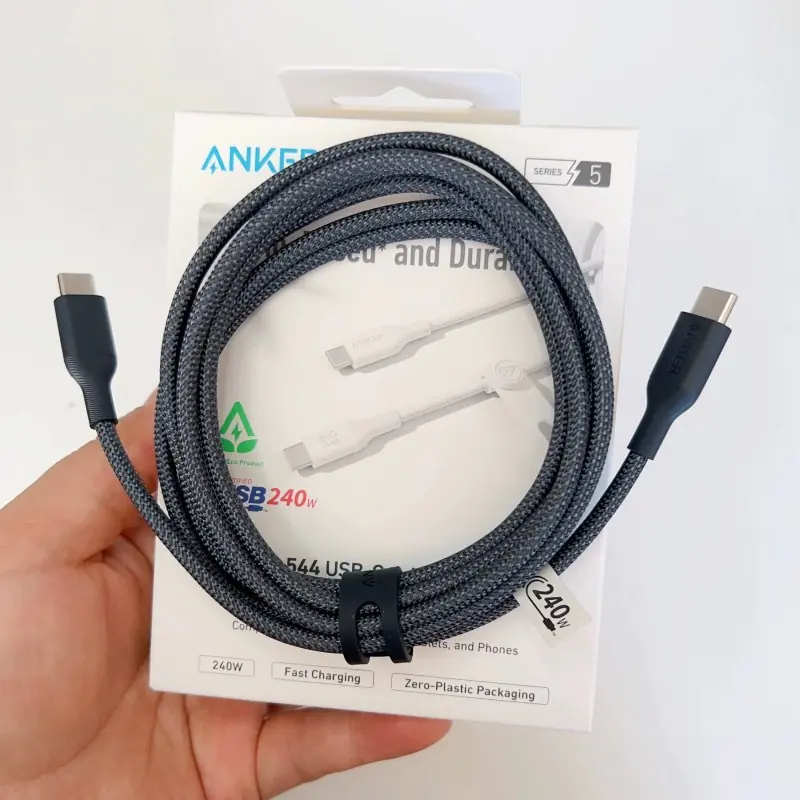
Not all USB-C cables are equal. A standard USB-C to USB-C cable carries up to 3 amps, which is 60W. To carry more than 60W, up to 100W or 240W, the cable needs to be rated for 5 amps and contain a small chip called an e-marker. If you plug a 100W laptop charger in through a 60W cable, the laptop will charge at 60W at most.
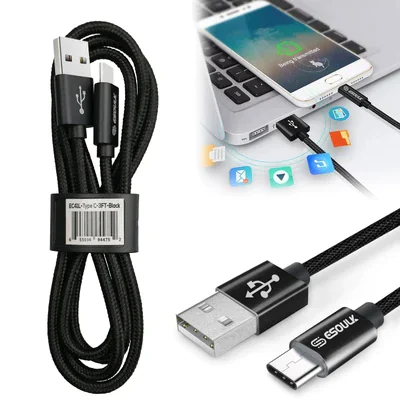
Data speed is a separate rating. Many charging cables only carry USB 2.0 data, which is fine for charging and syncing a phone but slow for external drives or monitors. If you need video or fast data, buy a cable that states USB 3.x, USB4 or Thunderbolt support.
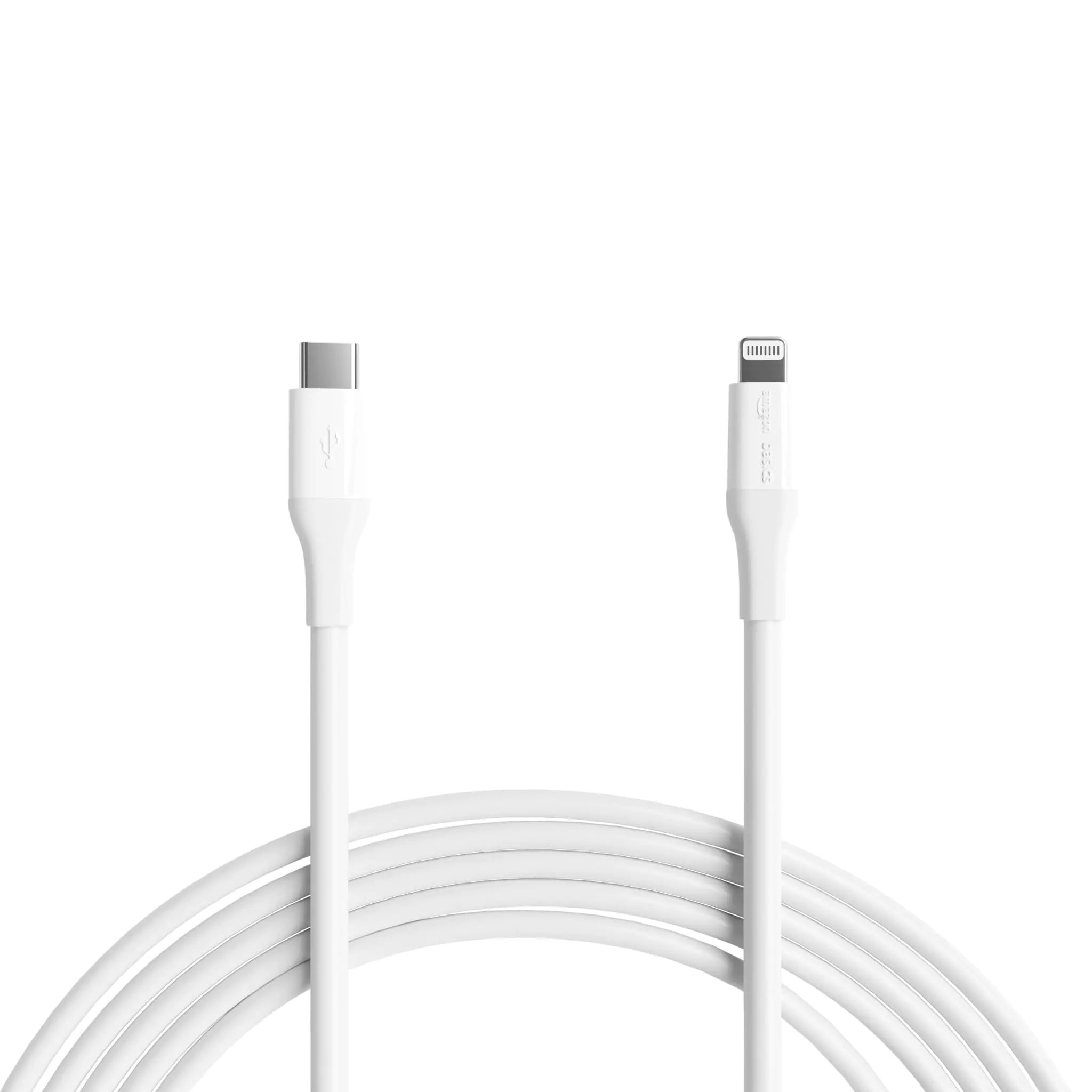
For iPhones before the iPhone 15, you need a USB-C to Lightning cable to fast-charge from a PD charger; a USB-A cable will not fast-charge.
GaN chargers: why new bricks are so small
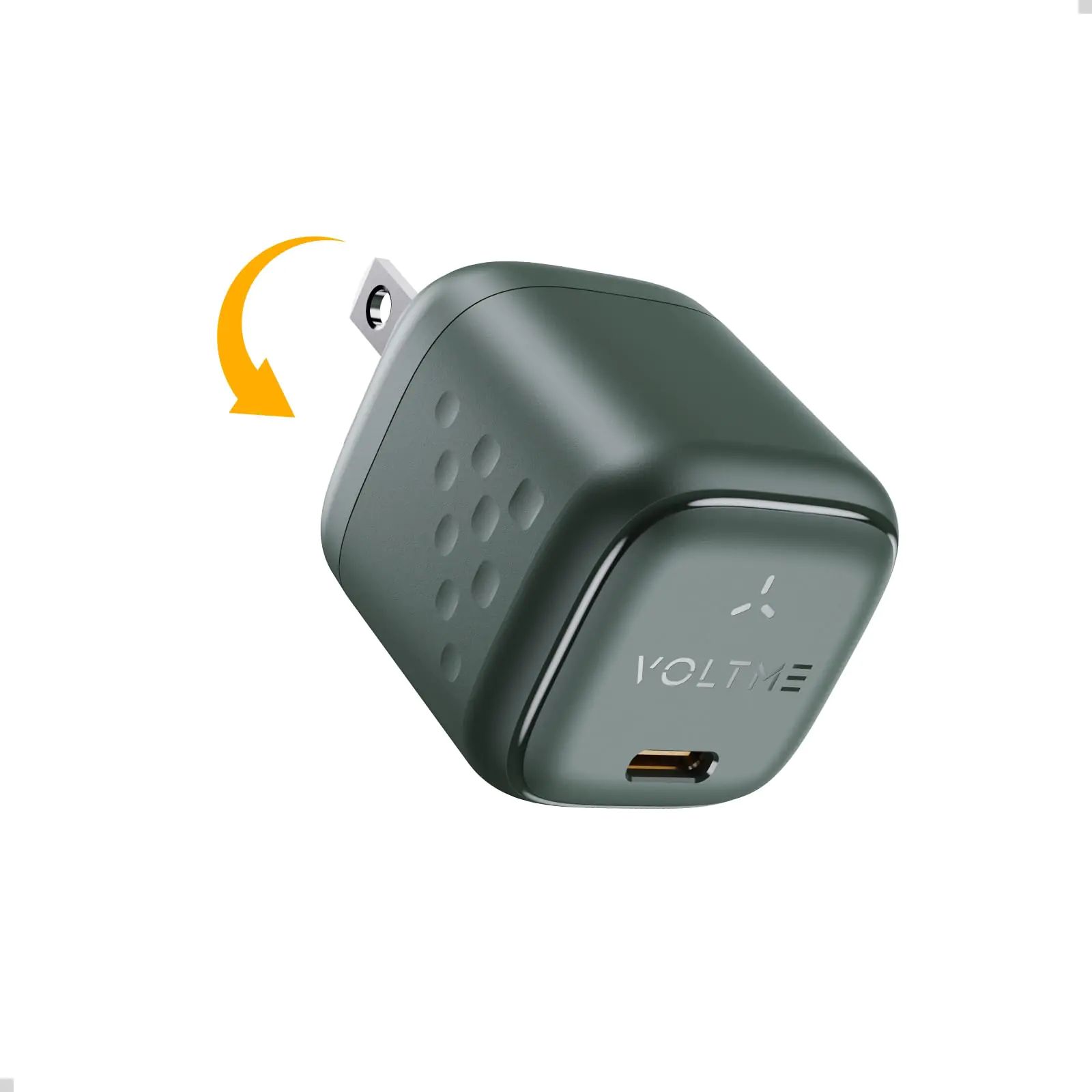
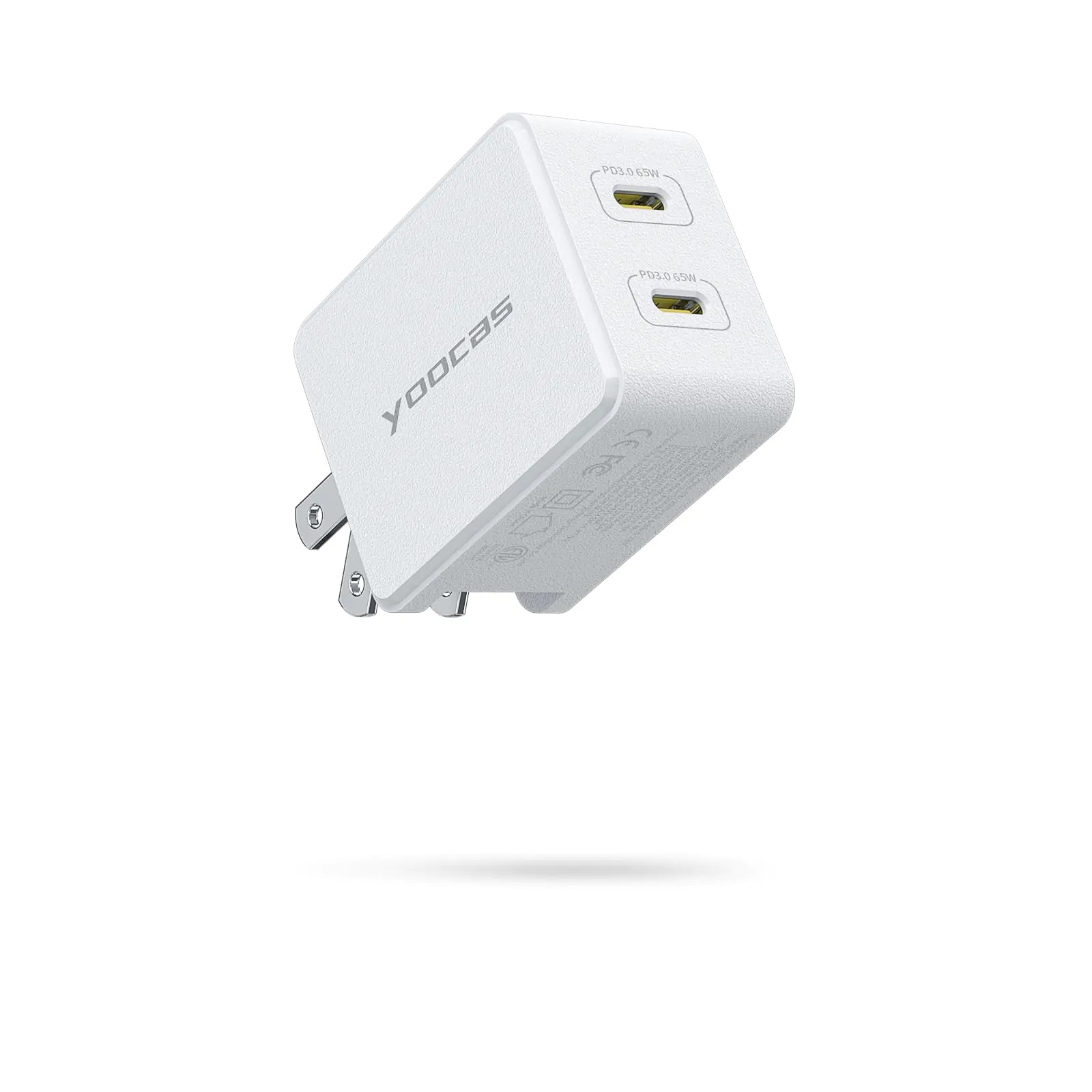
GaN stands for gallium nitride, a material that replaces silicon in the charger’s power circuitry. GaN parts run more efficiently and produce less heat, so manufacturers can fit more watts into a smaller body. A modern 65W GaN charger is often the size of an old 20W phone brick.
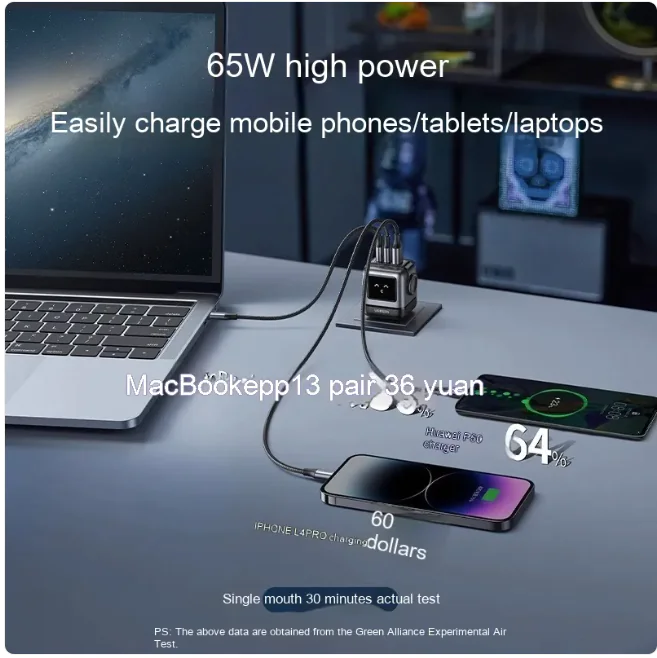
For a desk or a travel bag, a multi-port GaN charger is the easiest upgrade you can make: one small plug that charges a laptop, phone and earbuds together.
How multi-port chargers share power
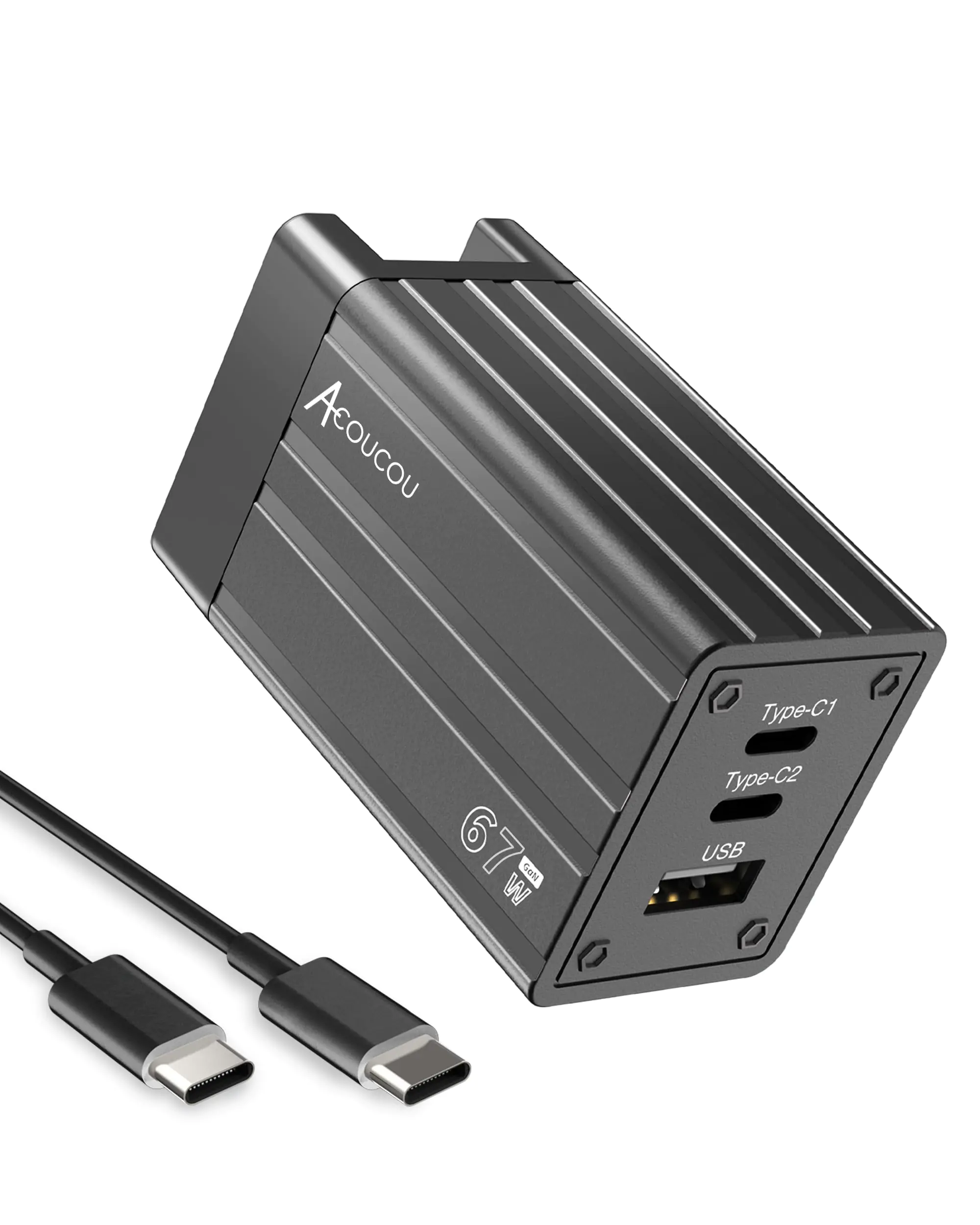
A 65W charger with three ports does not give 65W to every port at once. It shares its total output. A typical split might be 45W + 20W when two devices are plugged in, or 45W + 10W + 10W with three. The box or product page usually lists these combinations. If you will regularly charge a laptop and a phone together, make sure the two-device split still gives your laptop enough.
Choosing your setup in 30 seconds
Phone only: a 20–30W USB-C PD charger and a good USB-C cable (or USB-C to Lightning for older iPhones).
Phone + tablet or small laptop: a 45–65W two-port GaN charger.
Laptop + phone + accessories: a 65–100W three-port GaN charger and one 5A/100W cable for the laptop.
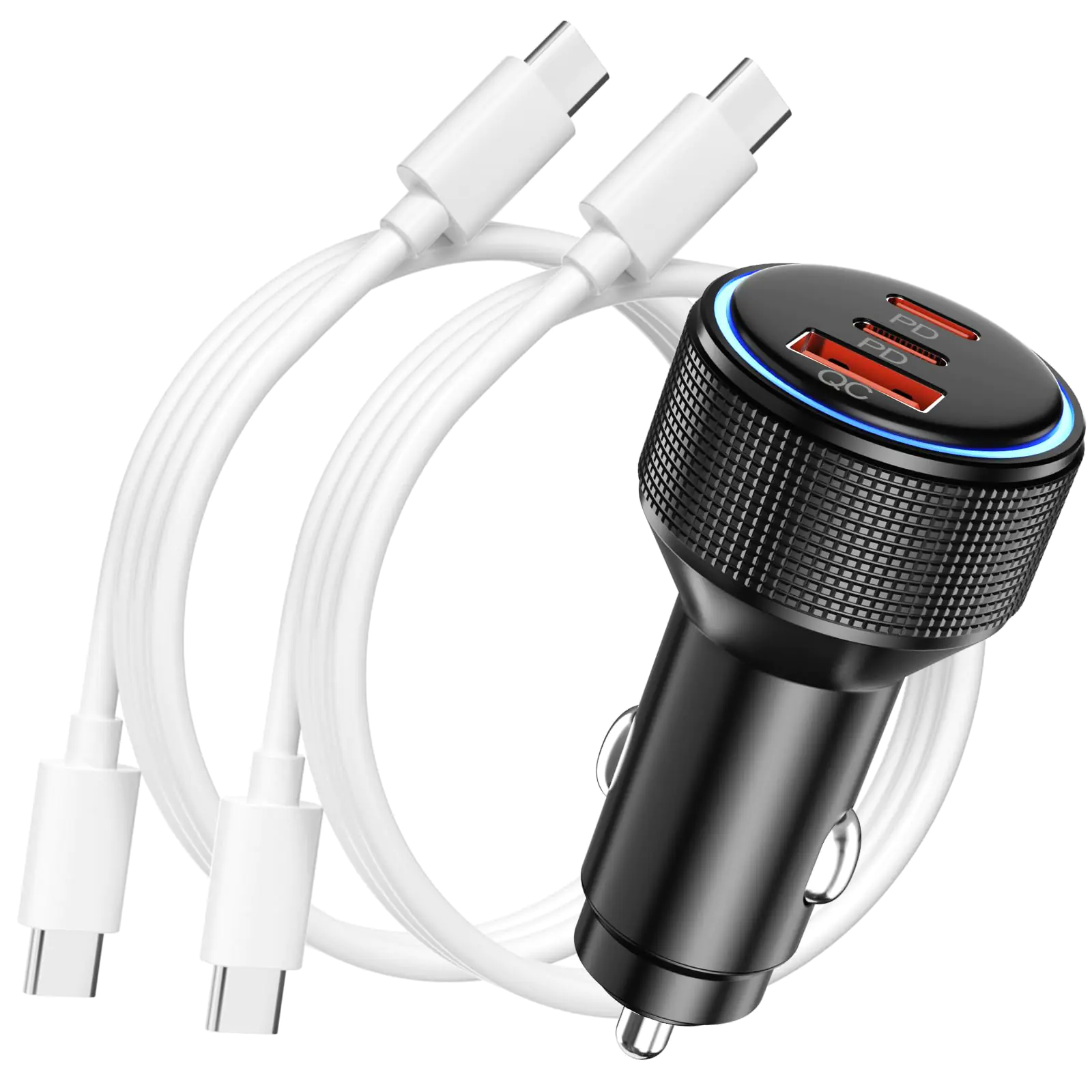
In the car: a USB-C PD car charger, 30W or more per port if you want to charge a laptop on the road.
Want it all at once? The Everyday Charging Kit pairs a fast charger with the right cables, and our charging & power collection lists wattage on every product.
Safety: what to look for on the box
Every reputable charger lists its input range (for example 100–240V), its outputs per port and its total wattage. Look for safety certifications such as UL, ETL, CE or FCC markings and over-current, over-voltage and temperature protection in the specifications.
Warm is normal, hot is not. GaN chargers run cooler than old silicon bricks, but any charger feels warm at full load. If a charger becomes too hot to hold, unplug it and stop using it.
Cheap no-name cables are the most common cause of slow or flaky charging. A cable from a known brand, rated for the wattage you need, is worth the few extra dollars.
USB-A vs USB-C ports on a charger
USB-A is the older rectangular port. It can still charge, but USB-A fast charging uses Quick Charge or proprietary standards, and most USB-A ports top out at 12–18W. USB-C ports with PD are faster and work across phones, tablets and laptops.
A charger with both is handy during the transition: USB-C for your phone and laptop, USB-A for older earbuds, smartwatches or a friend’s old cable. If you are buying for the next few years, prioritise USB-C ports.
Myths worth ignoring
Myth: fast charging ruins your battery. Phones control charging speed themselves and slow down above roughly 80 percent to protect the battery. Heat is what ages batteries, so avoid charging under a pillow or in a hot car, whatever charger you use.
Myth: you must let the battery run down to zero. Modern lithium batteries prefer frequent top-ups. Many phones also offer an optimised charging setting that holds at 80 percent overnight.
Myth: leaving a charger plugged in wastes a lot of power. Modern chargers draw a tiny amount when idle. Unplug them for tidiness, not for the electricity bill.
Frequently asked questions
Is it safe to charge my phone with a laptop charger?
Yes. USB-C PD chargers negotiate with the device, so a 65W or 100W charger only delivers what your phone accepts.
Why does my laptop charge slowly with a new USB-C cable?
Standard USB-C cables are limited to 60W. Laptops that draw more need a 5A cable with an e-marker rated for 100W or 240W.
What is the difference between PD and GaN?
PD (Power Delivery) is the charging standard that enables fast charging. GaN is the material inside the charger that makes it smaller and cooler. A good modern charger is usually both.